THE ULTIMATE GUIDE TO SUPER BEAR ADVENTURE | PRO LEVEL SETTINGS
Does the Super Bear Adventure game download on your phone? But you are unaware of how to adjust its settings to optimize your phone’s performance for impressive game results. Don’t worry, in this blog, we will cover the full setup of the Super Bear Adventure game.

UNDERSTANDING SUPER BEAR ADVENTURE GAME SETTINGS
To play the Super Bear Adventure game on your phone smoothly, follow this guide and explore all the game settings.
AUDIO SETTINGS
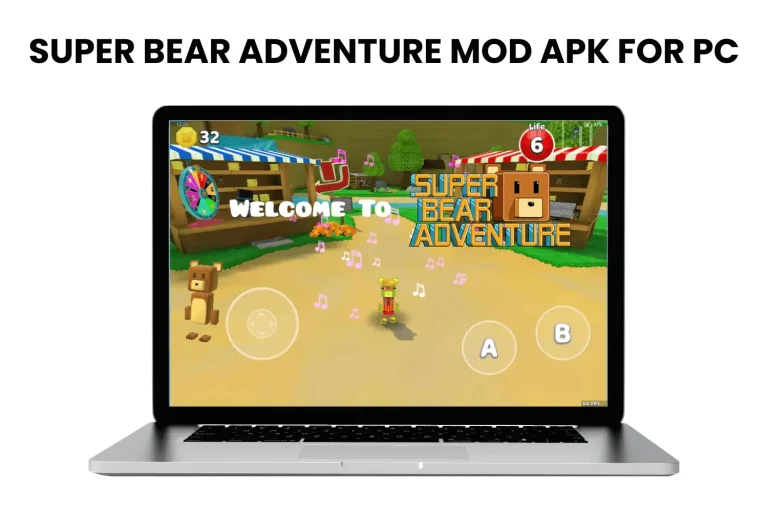
When you play the Super Bear Adventure for PC, you can adjust the game audio settings like background music, sound effects, and bear voices. It will be more helpful when you play in a quiet place with headphones.
When you adjust sound in-game, tap on the settings icon in the left corner. After that, you will see two options: music and sound volume. So, use the slider to change the volume levels to your game performance.
LANGUAGE & ACCESSIBILITY OPTIONS
It offers many languages, including English, French, Indonesian, Portuguese, and many more. This feature makes the game easy to know; you can choose any one language as needed. Click on the settings icon, and the languages option will appear after the music setting. Select your language and click on it.
GAMEPLAY SETTINGS
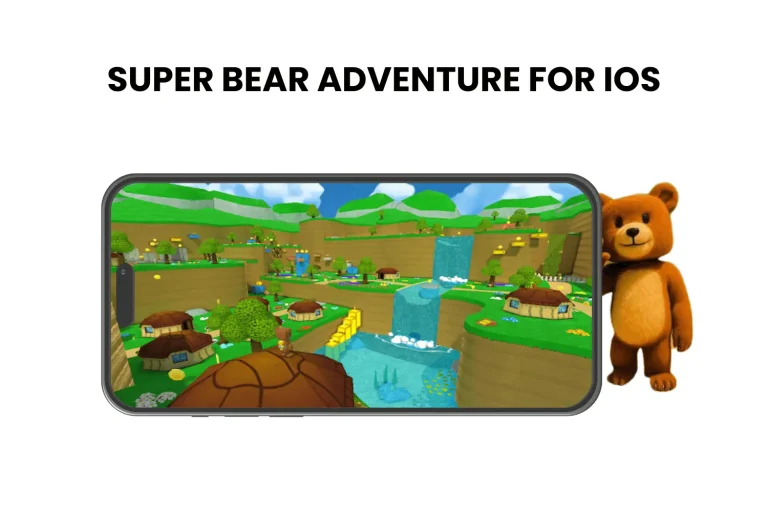
In the Super Bear Adventure for iOS, gameplay settings are more important. You can turn on and off many features once you enter the settings section. Let’s explore each feature in detail.
GRAPHICS SETTINGS
You can activate high graphics settings on a smooth phone. This game will appear colorful as a result. Follow these easy and simple settings. Super Bear Adventure offers two different settings: Quality and Performance in graphics settings. You can change the shadow according to your needs for a more engaging experience, or keep it at a high setting. Don’t turn off Fancy shaders and FPS counter.
INPUT SETTINGS
Another Super Bear Adventure setting that allows you can select a variety of options in input. Set the camera sensitivity to normal for best performance, and always turn off the invert and revert camera.
SAVE & CLOUD SYNC SETTINGS
Make sure to connect your game to iCloud and Google Play Store to keep it safe. Your online game progress in the Super Bear Adventure game will be saved as a result. Your game progress will be safe if you uninstall the game or change phones.
WRAPPING UP
In conclusion, Super Bear Adventure is a fun, casual game; its settings are simple and customizable to your needs. In this blog, we have covered the pro-level settings to make the game easy to understand for beginners. By adjusting these settings, you can enjoy a more immersive and enjoyable gaming experience.